QuickBooks Invoice Automation
Spend less of your day creating invoices and chasing payments. We build QuickBooks invoice automation that connects completed jobs, customer billing, supplier bills, and payment updates, helping you spend less time entering details and chasing paperwork.
Create and send invoices with less manual work
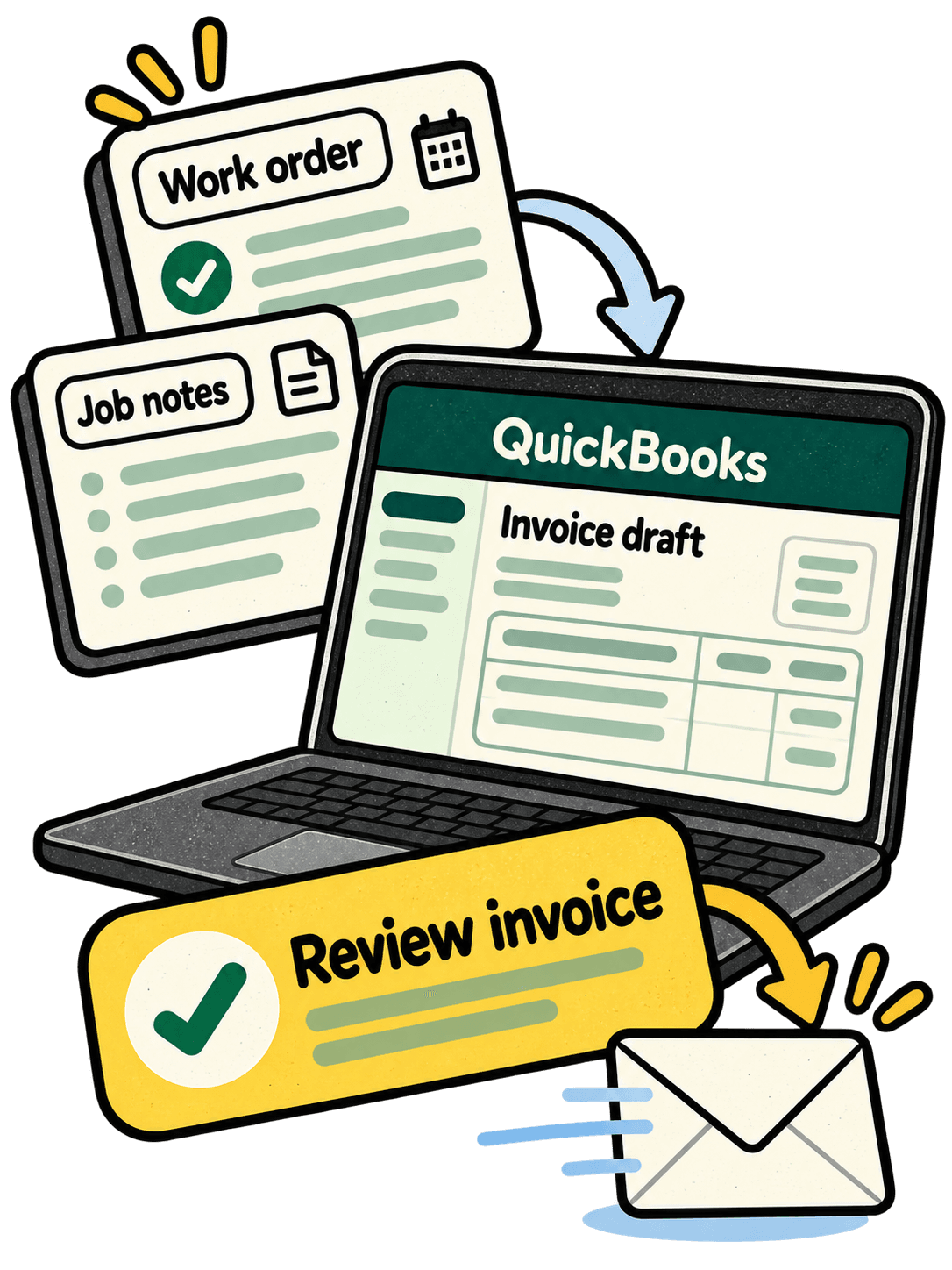
Finishing the job should move the invoice forward. We connect QuickBooks to the places your work starts: your CRM, job management system, order forms, spreadsheets, or other business software. Customer details, line items, and completed work can flow into invoices without being typed out again.
Whether you invoice after each job or bill customers on a schedule, we can automate the steps around it. Based in Bedford, ArcVelocity works directly with you to understand the process, build the connections, and get it running.
Follow up on unpaid invoices with less chasing
Keep in touch about unpaid invoices without writing every message yourself. We build reminder sequences that follow your payment terms, use your preferred wording, and stop when the invoice is paid.
Keep invoice status easier to follow across the business. We sync outstanding and paid invoices with your connected tools, helping your team work from current information without updating each system by hand.
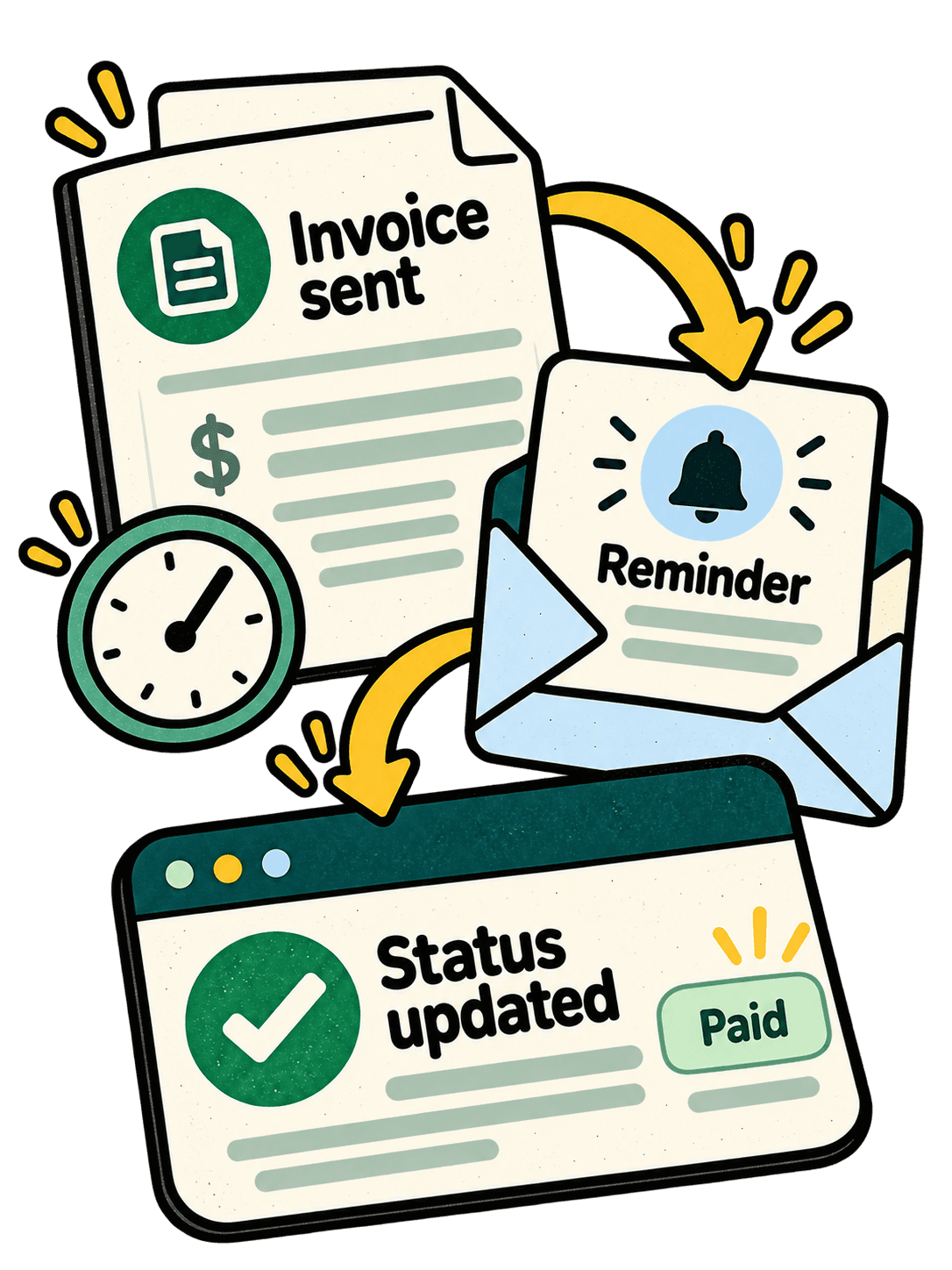
- Invoice sent
- Reminder scheduled
- Payment recorded
Spend less time entering supplier bills
Incoming bills can move into QuickBooks with less handling. We automate bill capture from emails, PDFs, scans, and connected systems, carrying supplier details, amounts, and due dates into the accounting workflow. Start with the tasks taking up your team’s time.
- Capture incoming supplier bills
- Extract and enter bill details
- Organize documents and records
- Sync bill status across tools
Our accounts payable workflow guide explores how incoming bills move through a business.
Definitely my go to guy thanks so much
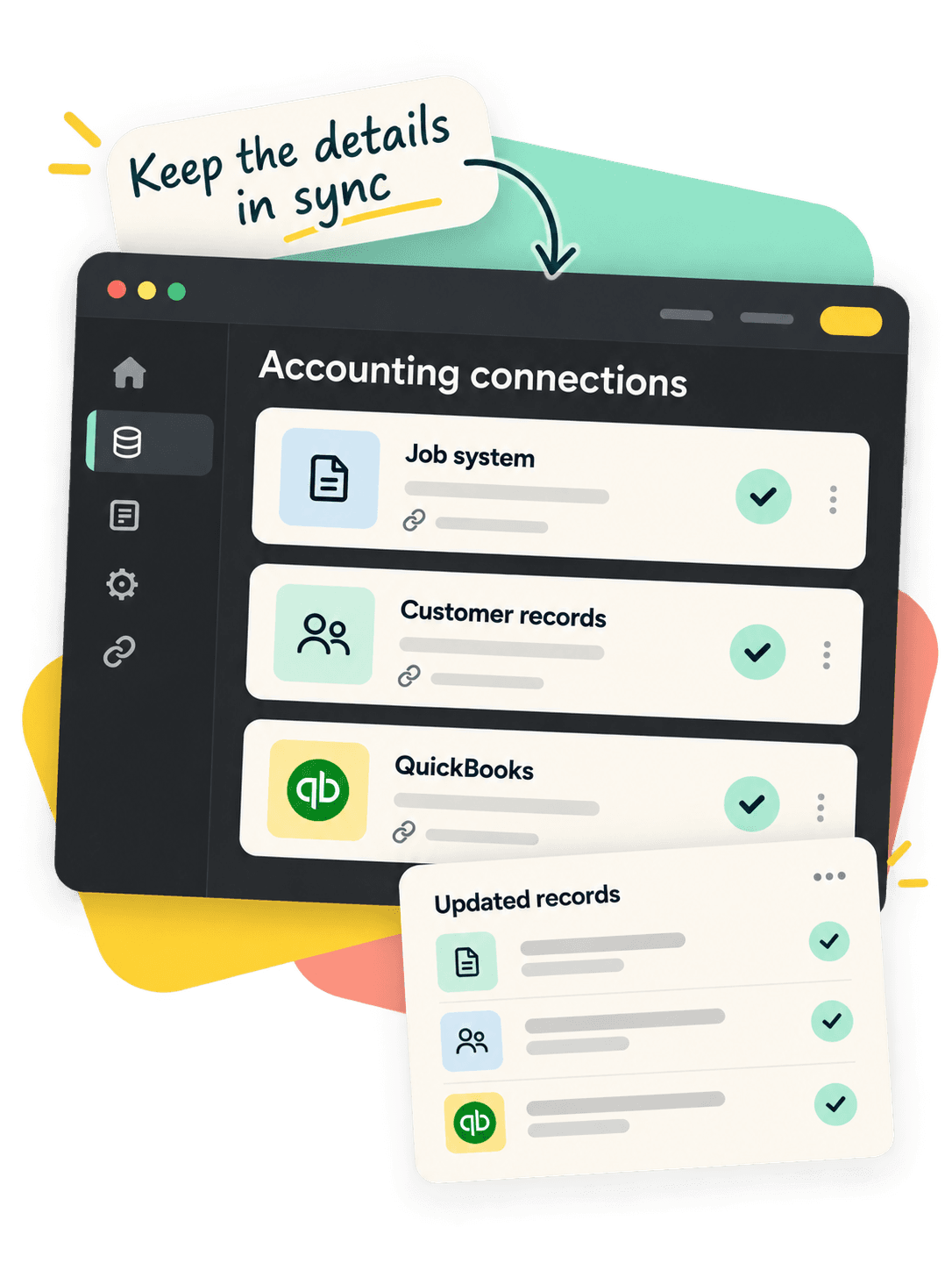
Keep customer, invoice, and payment records in sync
Your business tools should work together. We support QuickBooks Online and Desktop, connecting customer records, invoices, bills, and payment information through existing integrations and custom connections built around your setup.
Tell us where the repetitive work happens. We’ll map the steps, connect the systems, and test the complete workflow so your team can use the automation in its everyday work.